Private noise cancellation + meeting notes

Your voice.
Nothing else.

Studio-clear calls and AI meeting notes, all processed on your Mac. Your audio never touches a server.

Works with Zoom, Meet, Teams, Slack, Discord and OBS · macOS 12+ · Apple Silicon & Intel

Try it · pick a noise
ClearMeet is onBackground noise level
−34.8 dB
<1.8 msDSP latency
100%On-device processing
48 kHzLossless float audio
<25 MBApp memory
Everything in one quiet app

Clear calls today. Useful notes tomorrow.

Noise removal, recording, transcripts and summaries, built as one local pipeline.

Noise cancellation

A real microphone, to every app

ClearMeet installs as a native macOS audio device. Pick it once and any call app hears your cleaned voice. No routing tools, no virtual cables.

ZoomGoogle MeetTeamsSlackDiscordOBS
Privacy
0

packets leave your Mac

Voice AI and Whisper transcription run on the Neural Engine or local cores.

Meeting intelligence

Notes that never leave your folder

Record dual-channel audio, then get summaries and timestamped action items from a local Ollama model.

MeetingsRecordingsAction itemsSettings

Summary

  • [Key decision from the call]
  • [Open question for next week]

Action items

[Owner] · [Task] · [Due]
[Owner] · [Task] · [Due]
PROCESSED LOCALLY · WHISPER + OLLAMA
Speed
<2ms

Faster than you can notice

A recurrent network filters noise every 10 ms, straight into the system audio buffer.

macOS desktop app

Built for Apple Silicon. Sits quietly in your menu bar.

Switch devices with one click, monitor input volume, and record dual-channel audio directly from the desktop client.

ClearMeet Studio
Input & Output Routing
ClearMeet Studio Device Routing
Active Meeting Capture
Dual-Channel Call Recording
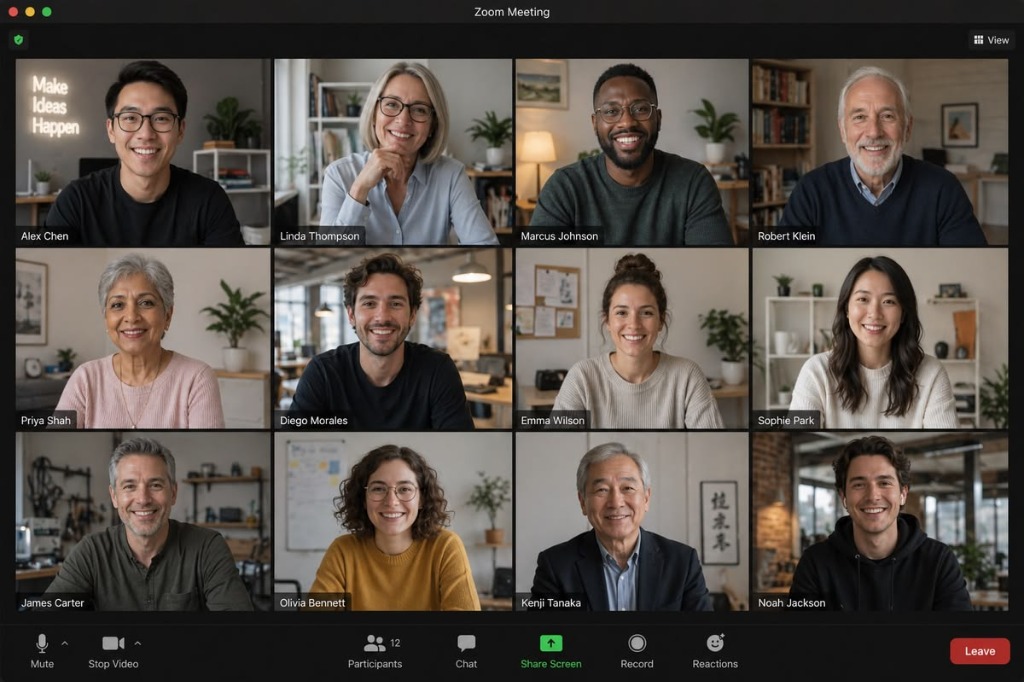
Active Zoom Meeting with ClearMeet Audio Capture
Local-first vs cloud-first

Sensitive calls deserve private audio.

Lawyers, clinicians, founders and journalists shouldn’t have to choose between clean audio and confidentiality.

 Cloud-based toolsClearMeet
Audio processingOften on vendor serversOn your Mac only
TranscriptionOften server-basedLocal Whisper
AI summariesSent to a hosted modelLocal Ollama model
Works offlineUsually needs a connectionYes
AuditableClosed source100% Open source
How it works

Four steps. Under two milliseconds.

01

Mic in

Captured at 48 kHz, 32-bit float.

02

Neural filter

A recurrent network subtracts noise frames every 10 ms.

03

Virtual mic

Clean audio goes straight to the system buffer.

04

Your meeting

Your call app hears only your voice.

Open source

Don’t take our word. Read the code.

Privacy claims are easier to trust when you can check them. ClearMeet’s source is public and fully auditable.

$ clearmeet --audit
driver   ClearMeetMic.driver (HAL)
inference Apple Silicon / local CPU
network   none
storage   ~/ClearMeetRecordings/
FAQ

Questions, answered.

How does ClearMeet capture my mic?

It installs a native CoreAudio plug-in, ClearMeetMic.driver. It appears as a normal microphone in any app, so you select it once.

Is any audio sent to the cloud?

No. Noise removal, Whisper transcription and summaries all run on your Mac.

How heavy is it?

The app is built with Tauri and uses under 25 MB of RAM.

Which systems are supported?

macOS 12 or later, on Apple Silicon and Intel.

Hear only you.

Install in a minute. The audio driver sets itself up.